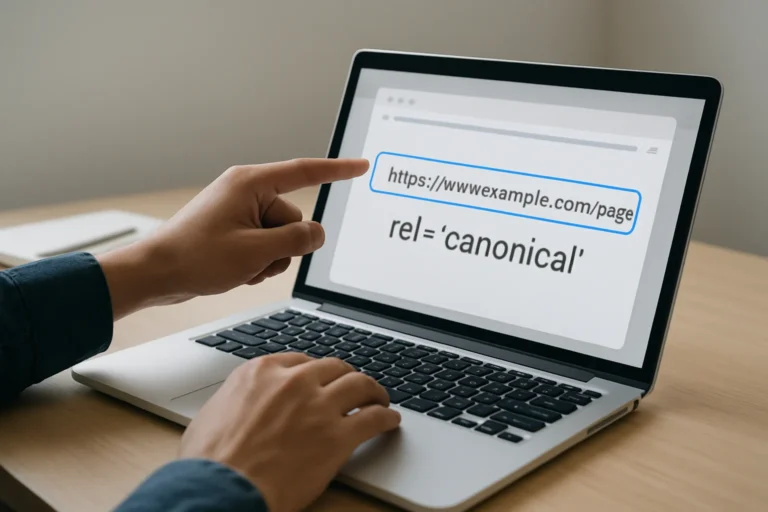
Duplicate pages are not always a content problem. In many cases, they are a technical problem that confuses search engines, splits ranking signals and weakens visibility. The canonical tag exists to solve that exact issue.
The real objective is simple: make sure Google understands which URL is the main version, so your SEO value is not diluted across multiple pages.
Quick answer: what does a canonical tag do?
A canonical tag tells search engines which URL should be treated as the preferred version when several pages are similar or identical. It does not hide the other pages from users, but it helps Google consolidate signals on one main page.
For a business, this matters because duplicate URLs can reduce crawl efficiency, split backlinks, and make the wrong page appear in search results. That can hurt traffic, credibility, and conversion.
Contents
Why do duplicate pages appear in the first place?
Duplicate content often appears because of technical setup, not because someone intentionally copied a page. E-commerce filters, tracking parameters, printer-friendly versions, pagination, HTTP and HTTPS versions, www and non-www versions, and CMS archives can all create multiple URLs for the same content.
This is common on WordPress, Shopify, custom builds and multilingual websites. It also happens on sites with category pages, product variations, or landing pages built for campaigns. The issue is not the existence of duplicates alone. The issue is that search engines must decide which version deserves ranking signals.
For businesses in sectors like construction company website development, recruitment agency website development or psychologist website development tunisia, this can become a real visibility problem when service pages are duplicated across locations, categories or language versions.
How does a canonical tag work?
The canonical tag is placed in the page source and points to the preferred URL. When search engines crawl that page, they understand that the canonical URL should receive the main SEO signals.
In practice, this means that if three URLs show the same or very similar content, Google can index one preferred version and treat the others as secondary. That helps preserve ranking strength instead of spreading it thin.
A canonical tag is a signal, not a command. Search engines usually respect it, but only when the implementation is consistent and technically logical. If the canonical points to the wrong page, or if the site sends mixed signals, the problem remains.
What are the most common canonical mistakes?
| Error | Business risk | What to do instead |
|---|---|---|
| Canonical points to a non-preferred URL | Google may rank the wrong page or ignore the signal | Choose the strongest, most complete version as the canonical |
| Every page canonicalizes to the homepage | Search engines lose page-level relevance | Use self-referencing canonicals or page-specific canonicals |
| Canonical and internal links conflict | Signals become inconsistent and less trustworthy | Make internal links point to the same preferred URL |
| Parameter pages are left unmanaged | Duplicate crawl paths waste crawl budget | Standardize URLs and canonicalize parameter variants |
| Paginated pages all point to page 1 | Later pages may be underrepresented | Use a structured pagination strategy |
One of the most frequent problems is assuming the canonical tag alone will fix a messy site structure. It will not. If the architecture, redirects and internal links are inconsistent, Google receives mixed signals and may choose a different URL.
How do you choose the right canonical URL?
The preferred URL should be the version that best represents the content, the business objective and the technical structure of the site. In most cases, this means the cleanest, most complete and most authoritative URL.
Use these criteria to decide
- It should be the version you want users to land on from search.
- It should have the strongest content and internal linking.
- It should match the site’s preferred protocol and domain format.
- It should be stable and not change frequently.
- It should align with your conversion goal, not just technical convenience.
If your website serves multiple audiences, locations or languages, the canonical strategy must be planned carefully. This is especially important for businesses working in multiple markets or offering specialized services such as physiotherapist website development tunisia or daycare kindergarten website development, where similar service pages can easily overlap.
Why canonical tags matter for SEO, AEO and GEO
For SEO, canonical tags help concentrate ranking signals on one URL. That improves the chance of ranking the right page for the right search intent.
For AEO, clear canonical structure helps search engines and answer engines identify the authoritative version of a page. This matters when content is reused across service pages, location pages or FAQs.
For GEO and AI search visibility, clean URL logic makes content easier to interpret, cite and summarize. AI systems work better when the site structure is clear, consistent and free from duplication noise.
A good canonical setup is not only about avoiding penalties. It is about making the site easier to understand at scale, which supports long-term SEO and stronger commercial performance.
How should you fix canonical issues step by step?
1. Audit all duplicate and near-duplicate URLs
Start by identifying pages that are identical or very similar. This includes URL parameters, category variations, language versions, staging pages and print versions. You cannot fix what you do not map first.
2. Define the preferred URL for each content group
Choose one main page for each topic, service or product. The decision should be based on search intent, business priority and technical quality.
3. Align canonicals, redirects and internal links
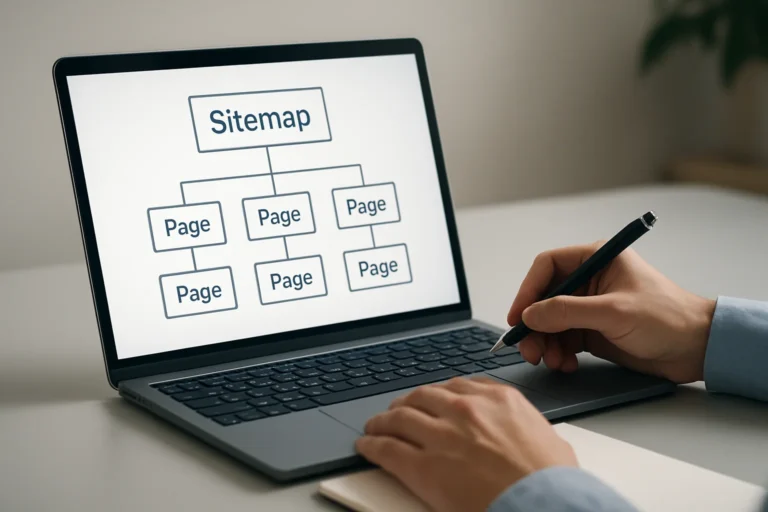
The canonical tag should not work alone. Internal links, sitemap entries and redirects should all point to the same preferred URL whenever possible.
4. Check multilingual and regional versions
If the site has multiple languages or countries, each version needs a clear relationship. A wrong canonical can accidentally suppress the page that should rank in a specific market.
5. Validate in Search Console and crawl tools
After deployment, verify whether Google selected the intended canonical. If Google chooses another URL, that is a sign the signal is still unclear or inconsistent.
What is the real business impact of a bad canonical setup?
A bad canonical configuration can reduce organic traffic without any obvious design issue. The site may look fine to visitors, but search engines may be splitting authority across multiple URLs.
That means weaker rankings, less qualified traffic, lower trust and fewer leads. In practical terms, a company may invest in content, ads or redesigns while the technical foundation quietly limits performance.
This is why canonical management should be part of the website strategy from the beginning, not a correction added after launch.
At THE ROAD, the goal is not only to build a visually clean website. The goal is to build a clear, fast, credible digital presence that supports visibility, SEO, GEO, AEO and conversion.
FAQ: canonical tags and duplicate URLs
Does a canonical tag remove duplicate pages?
No. It tells search engines which version should be treated as the main one. The other pages can still exist for users or technical reasons.
Should every page have a canonical tag?
Yes, ideally. A self-referencing canonical is often the safest default because it confirms the preferred version of the page.
Can canonical tags replace redirects?
No. Canonicals and redirects solve different problems. Use redirects when a page should no longer exist, and canonicals when multiple versions must remain accessible.
What happens if Google ignores my canonical?
Usually it means the site sends conflicting signals. Internal links, sitemap entries, redirects or content similarity may not match the declared canonical.
Is canonical management important for small websites?
Yes. Even small sites can create duplicate URLs through filters, parameters, templates or multilingual pages. The issue is not size, but structure.
When should you ask an agency to review canonicals?
You should request a technical audit when organic traffic is unstable, when duplicate pages are multiplying, when a redesign is planned, or when Google is indexing the wrong URL.
If your site has multiple service pages, local pages or language versions, the risk is higher. A professional review can identify the preferred URL structure, reduce duplication and protect your ranking signals before they are diluted.
Chez THE ROAD, we help companies correct technical SEO issues, structure their websites properly and build a stronger foundation for visibility and conversion.
You have a web project, a redesign or an SEO need? THE ROAD can support you with a clear, professional and results-oriented approach.