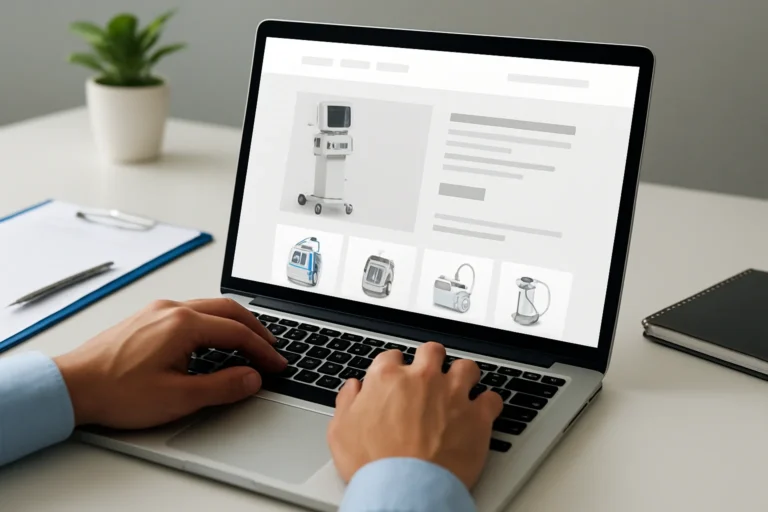
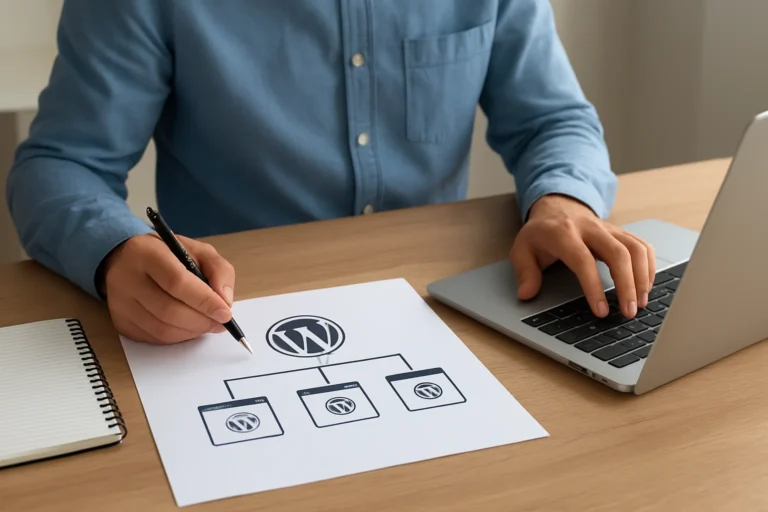
A PrestaShop migration is rarely a simple upgrade. It can involve a new version, a new theme, module replacement, database cleanup, SEO preservation, and sometimes a change of hosting. If the process is poorly planned, the business impact is immediate: lost traffic, broken checkout flows, data errors, and lower conversion.
The real issue is not only technical compatibility. The objective is to keep the store stable, visible, and profitable while improving the platform for the next stage of growth.
Direct answer: what should a business expect from a PrestaShop migration?
A professional migration should move your store to a safer and more maintainable setup without losing sales history, customer data, SEO value, or critical modules. It should also improve performance, simplify maintenance, and reduce future technical debt.
For a business owner, the right question is not “Can we migrate?” but “How do we migrate without damaging commercial performance?”
Table of contents
Why migrate a PrestaShop store?
Most migrations happen for one of four reasons: the current version is outdated, the store is too slow, modules are no longer compatible, or the company needs a cleaner foundation for growth.
A store left on an old version becomes harder to maintain. Security risks increase, developers spend more time fixing old issues, and new features become expensive to add. Over time, the platform stops supporting business growth.
This is also where many companies start looking at broader digital improvements such as a website redesign, SEO work, or even a wordpress migration new hosting project for other parts of their online presence. The principle is the same: the technical base must support business goals, not slow them down.
Which PrestaShop versions are involved in a migration?
Migration can mean several different things depending on the starting point and the target version. A minor upgrade is not the same as a full rebuild.
| Scenario | What it means | Business risk |
|---|---|---|
| Same version, new hosting | Move the store without changing the application core | Low to medium, mostly related to downtime and configuration |
| Version upgrade | Move from an older PrestaShop version to a newer one | Medium to high, depending on module and theme compatibility |
| Full rebuild | Recreate the store on a new architecture or with a new theme | High, but often necessary for long-term stability |
The older the source version, the more likely the migration will require adaptation work. In some cases, a direct upgrade is not realistic. A controlled rebuild is safer and often more cost-effective in the long run.
What happens to modules and custom features?
Modules are usually the most underestimated part of a migration. A store may depend on payment gateways, shipping rules, ERP connectors, product filters, promotional tools, or custom checkout logic. If one of these elements breaks, the store may still open, but it will no longer operate correctly.
Before migration, every module should be classified into one of three categories:
- Keep as is, if it is compatible and stable.
- Replace, if it is obsolete or unsupported.
- Rebuild, if it is custom and business-critical.
This step matters because a module is not just a technical add-on. It can directly affect checkout completion, stock synchronization, delivery accuracy, and customer trust. A broken module can cost more than the migration itself.
For companies with specific operational needs, the same logic applies to projects such as recruitment agency website development or construction company website development: the technical setup must match the real business workflow, not the other way around.
What data must be preserved during migration?
Data is the commercial memory of the store. A migration must protect both visible content and operational records.
Critical data to preserve
- Products, categories, combinations, attributes, and stock
- Customer accounts and order history
- CMS pages, banners, and content blocks
- Discount rules, tax settings, and shipping zones
- SEO metadata, URLs, and redirects
Some data can be cleaned during migration, but it should never be lost by accident. A good migration plan includes backups, validation tests, and a rollback option. That is what separates a controlled project from a risky one.
How do you protect SEO during a PrestaShop migration?
SEO can be damaged very quickly during a migration if URLs change, metadata disappears, or redirects are missing. Search engines need continuity. Users need to find the same products and pages they were already seeing.
A migration should preserve or improve the following elements:
- URL structure where possible
- 301 redirects for changed pages
- Title tags and meta descriptions
- Canonical tags
- Internal linking
- Indexable content on key pages
SEO should not be added after the website is finished. It should be planned from the beginning. This is especially true for stores that already generate organic traffic and qualified leads through product pages, category pages, or blog content.
For businesses that also invest in learning platform website development or other content-heavy projects, the same rule applies: migration is not only about moving files, it is about protecting visibility and search intent.
SEO, GEO, and AEO considerations
Modern search visibility is no longer limited to classic Google ranking. A clear site structure helps AI search systems understand products, categories, and commercial intent. That supports GEO and AEO performance as well as traditional SEO.
In practical terms, this means using clean hierarchy, precise page labels, concise content, and structured internal linking. The easier the site is to understand, the easier it is for search engines and AI systems to cite or surface it.
How much does a PrestaShop migration cost?
The budget depends on the complexity of the store, the number of modules, the amount of custom development, and the level of SEO protection required. A simple migration is not priced like a full rebuild.
| Project type | Typical scope | Budget impact |
|---|---|---|
| Basic migration | Hosting move, limited changes, few modules | Lower cost |
| Standard upgrade | Version update, module review, data checks, SEO redirects | Medium cost |
| Complex migration | Custom modules, theme rebuild, ERP integration, SEO preservation, testing | Higher cost |
The cheapest option is not always the safest. A low-cost migration that breaks checkout, indexing, or data integrity becomes expensive very quickly. The right budget is the one that protects revenue and reduces future maintenance costs.
What is the right migration process?
A reliable migration follows a clear sequence. Skipping steps usually creates hidden problems that appear after launch.
Step 1: Audit the current store
Identify the version, modules, custom code, content structure, SEO assets, and technical constraints. This defines the real scope of work.
Step 2: Decide what to keep, replace, or rebuild
Not every module or feature deserves to be migrated. Some should be retired. Others should be redesigned for stability and performance.
Step 3: Build and test on a staging environment
The migration should be validated before launch. This includes checkout tests, mobile checks, performance checks, and data verification.
Step 4: Prepare redirects and SEO mapping
Every changed URL should be mapped before the switch. This protects organic traffic and prevents users from landing on dead pages.
Step 5: Launch with monitoring
After go-live, monitor errors, crawl issues, order flow, and traffic changes. The launch is not the end of the project; it is the beginning of the stabilization phase.
What is the business impact of a poorly managed migration?
A slow website does not only create a technical problem. It creates a business problem, because visitors leave faster, Google has more difficulty crawling the pages and potential clients may lose trust before contacting the company.
The same logic applies to migration failures. If product pages disappear, forms stop working, or the checkout becomes unstable, the company loses revenue immediately. If SEO drops after launch, the impact continues for weeks or months.
A well-managed migration, on the other hand, can improve:
- site speed and user experience
- maintenance efficiency
- search visibility
- conversion rate
- customer confidence
That is why migration should be treated as a business project, not only an IT task.
How THE ROAD approaches PrestaShop migration
Chez THE ROAD, l’objectif n’est pas seulement de créer un site web visuellement propre. L’objectif est de construire une présence digitale claire, rapide, crédible et capable de soutenir la croissance de l’entreprise.
For a PrestaShop migration, that means working on the technical foundation, the SEO structure, the module logic, the data integrity, and the commercial continuity at the same time. The result should be a store that is easier to maintain and stronger for long-term SEO and conversion.
That approach is also useful for companies that need a more complete digital project, whether it is an ecommerce migration, a redesign, or a broader visibility strategy.
FAQ
How long does a PrestaShop migration take?
The timeline depends on the size of the store, the number of modules, and the amount of custom work. A simple migration may take a few days, while a complex project can take several weeks.
Can I keep my current SEO rankings after migration?
Yes, if the migration is planned correctly. Redirects, metadata, internal links, and page structure must be preserved or mapped carefully. Without that, rankings can drop quickly.
Do all modules need to be updated?
No. Some modules can be kept, others should be replaced, and some custom features may need to be rebuilt. The decision should be based on compatibility and business value.
Is it better to upgrade or rebuild?
It depends on the age of the store and the technical debt involved. Older installations with many outdated modules often benefit more from a controlled rebuild than from a forced upgrade.
What should I prepare before asking for a quote?
Prepare your current version, module list, custom features, traffic level, and business priorities. The more precise the information, the more accurate the estimate will be.
Need a safe and business-oriented migration?
A PrestaShop migration should protect revenue, SEO, and operational stability. If the project is handled properly, it can also improve performance and make future growth easier.
You have a web project, a redesign, or an SEO need? THE ROAD can support you with a clear, professional approach focused on results. Request a quote or start with an audit before making the move.